Platform Guide
The Complete Guide to ClickUp Automation Workflow in 2026
Learn how to design a ClickUp automation workflow that reduces manual handoffs, connects HubSpot, adds AI support, and improves agency quality control.
 Awais AhmadApr 25, 2026
 Awais AhmadApr 19, 2026
The better automation platform is the one that removes coordination work without making every change dependent on an administrator. This Asana vs Monday.com workflow automation comparison for 2025–2026 tests that question against the work teams actually run: intake, conditional routing, approval, cross-team handoff, reporting, and recovery when a rule fails.
In 2026, the Asana Anatomy of Work Index reported that knowledge workers spend 60% of their working time on coordination, communication, document searches, and other “work about work.” That is the useful benchmark here. A platform does not win because it exposes more buttons; it wins when fewer requests stall, fewer owners are unclear, and fewer exceptions require manual cleanup.
I have built both task-centric and board-centric automations, and the deciding details are usually mundane: whether a condition can inspect the right field, whether an approval preserves ownership, whether failed runs are visible, and whether the next person can safely edit the rule. The comparison below uses those operating criteria rather than an app-directory count.
Key point: Choose Asana when ownership, dependencies, approvals, and predictable high-volume rules matter most. Choose Monday.com when teams need a highly visual process model and are comfortable managing plan-based action limits.
Asana wins overall for workflow automation that follows tasks through ownership, dependencies, approvals, and cross-team delivery; Monday.com wins when the workflow is best understood as a configurable visual database. In 2026, Asana’s research put work-about-work at 60% of working time, so the practical decision is which model removes more coordination for your team rather than which interface looks more flexible (Asana, Anatomy of Work Index).
Use one decision rule: choose Asana for work orchestration, and choose Monday.com for process visualization with strong column-driven customization.
Asana is the stronger default for governed task workflows, while Monday.com is the stronger default for visually modeled operational processes. In 2026, monday.com Support documented 250 monthly automation actions on Standard, 25,000 on Pro, and 250,000 on Enterprise, making plan limits a central part of its automation design.
| Decision area | Asana | Monday.com | Practical winner |
|---|---|---|---|
| Workflow model | Tasks, projects, dependencies, approvals, portfolios | Boards, items, columns, connected boards | Depends on operating model |
| Rule depth | Strong trigger-condition-action rules tied to task state | Flexible recipes and visual workflow builder | Slight Asana edge for task orchestration |
| Published ordinary-rule allowance | Unlimited automations from Starter | Monthly action allowance varies by plan | Asana |
| AI assistance | AI Studio credits and workflow-oriented AI features | AI blocks and AI workflow builder | Depends on use case |
| Permissions and governance | Strong fit for structured ownership and portfolio administration | Strong board-level administration; deeper audit history on higher plans | Asana for governed programs |
| Reporting | Project and portfolio dashboards | Highly visual dashboards spanning boards by plan | Monday.com for visual rollups |
| Setup effort | Faster when the team already thinks in tasks and dependencies | Faster when the team thinks in rows, columns, and statuses | Depends on team vocabulary |
| Best fit | Product, marketing, delivery, PMO, and cross-functional programs | Operations, agencies, service pipelines, and custom process tracking | Depends on workflow shape |
The key distinction is architectural. Asana treats the task as the durable unit of work; Monday.com treats the board item plus its columns as the durable record. Both can automate status changes and notifications, but the data model determines how cleanly the workflow survives growth.
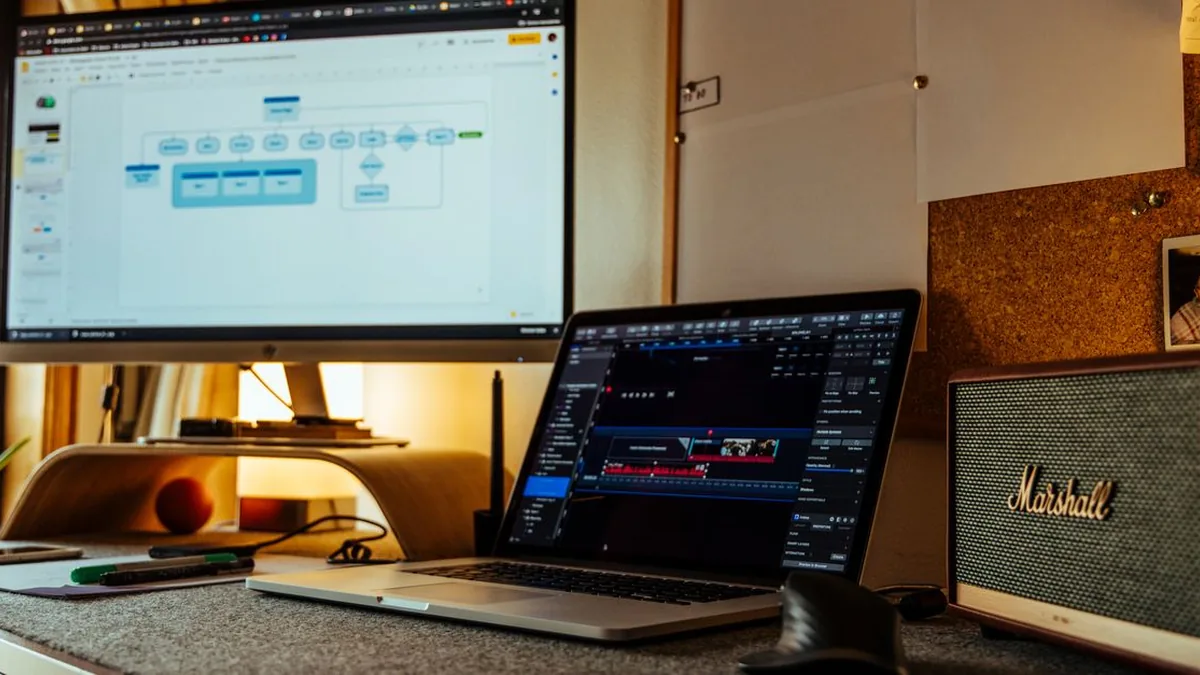
Photo by João Jesus on Pexels
Monday.com is usually easier for a team to prototype visually, while Asana is usually easier to maintain once the workflow depends on ownership, due dates, dependencies, and approvals. Verified in 2026, Asana pricing lists unlimited automations from Starter, while Monday.com publishes plan-based action allowances; that difference changes how much ongoing limit monitoring an administrator must do.
Start with the data model, not the automation builder. In Asana, define the project, task fields, statuses, owners, and approval points before creating rules in the Asana Help Center. A rule then reacts to a task event—such as a field change or task movement—and updates the same work record or creates the next handoff.
Monday.com makes the first prototype feel immediate because a board exposes the fields directly as columns. A team can add a status, person, date, and dependency column, then attach an automation recipe through monday.com Support. That works well when stakeholders need to see the process as a table before they agree on it.
The trap in both tools is automating before naming the exceptions. A request that is “approved unless budget is high” needs a budget field, a threshold policy, and a fallback owner. Without those, the rule merely moves ambiguity faster.
Train people on state changes and ownership, not on every menu. Users need to know which field starts the automation, which field indicates completion, and who owns an exception. Administrators need a simple change process: duplicate the rule, test it with controlled records, compare expected and actual results, then replace the live version.
Asana tends to age better when projects share the same task vocabulary. Monday.com tends to age better when each department needs a distinct visual board. Maintenance becomes harder in either platform when many near-duplicate rules exist, because nobody can tell which rule is authoritative. A small rule register—name, owner, trigger, outcome, last test, and retirement status—prevents that drift.

Photo by Kefuoe Josenta on Pexels
Asana has better workflow automation for task ownership and approvals, while Monday.com is better when complex branching must remain visible as a configurable process map. Verified in 2026, Asana pricing states unlimited automations from Starter, so ordinary rule volume is not presented as a monthly action pool.
Test both tools with the same request, fields, branches, and success conditions. The reference workflow starts with an intake form, creates a work record, routes by request type, assigns an owner, requests approval when risk is high, and hands approved work to delivery.
| Workflow stage | Asana result | Monday.com result | Verdict |
|---|---|---|---|
| Form intake | Creates a task with mapped custom fields | Creates an item with mapped columns | Tie |
| Conditional routing | Clear when conditions follow task fields and project state | Clear when branches follow column values | Tie |
| Ownership | Native assignee model stays central throughout the task | Person columns are flexible but can multiply across boards | Asana |
| Approval | Approval task type makes the decision explicit | Approval can be modeled with status and automation logic | Asana |
| Cross-team handoff | Multi-homing and project movement suit shared work | Connected boards suit department-specific views | Depends on structure |
| Recovery | Rule logic is easier to reason about when the same task persists | Visual builder helps inspect branching, but limits still require monitoring | Slight Asana edge |
Keep the same work record alive whenever the handoff does not require a new business object. In Asana, that often means moving or adding the task to another project while preserving comments, files, owner history, and dependencies. In Monday.com, it often means connecting boards or creating an item in a downstream board with mapped columns.
The difference matters during rework. A rejected request should return to its original owner with the rejection reason intact. If an automation creates a fresh downstream item too early, the reviewer may update one record while the requester watches another. The safest design uses a stable external identifier and records every handoff state on the source item.
Model action consumption before rollout, because one business event may trigger several automation actions. In 2026, Monday.com documented 250 monthly actions on Standard, 25,000 on Pro, and 250,000 on Enterprise (monday.com Support, Automations and integrations pricing). A form submission that updates a status, assigns a person, sends a notification, and creates a downstream item can consume several actions even though the user sees one request.
The workflow builder adds another ceiling. In 2026, Monday.com documented five active workflows for Pro and 250 for Enterprise (monday.com Support, AI workflow builder active workflows and actions). That does not make the tool unsuitable; it means the architecture must consolidate rules deliberately.
For either platform, failed-run recovery should follow the same pattern: store the source record identifier, write the last successful stage, route failures to an owner, and make retries idempotent—meaning the retry produces the same final state without creating duplicates.
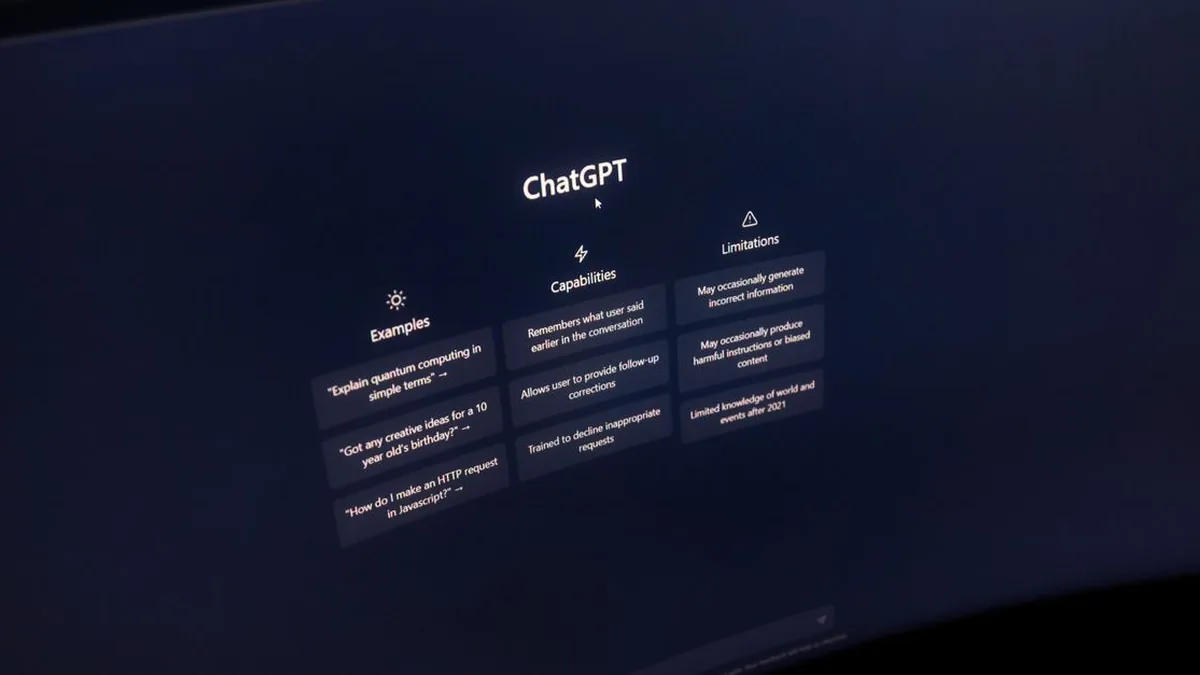
Photo by Matheus Bertelli on Pexels
Asana currently offers the clearer fit for AI inside governed work, while Monday.com offers a more visual way to assemble AI steps inside broader workflows. Verified in 2026, Asana pricing lists included AI Studio Basic allowances of 50,000 monthly credits for Starter, 75,000 for Advanced, and 200,000 for Enterprise or Enterprise+ per billing account.
Use AI to draft logic, labels, and summaries, then verify the resulting rule against test records. AI can reduce setup friction when a user describes an outcome in plain language, but the generated workflow still needs explicit fields, deterministic branches, and an exception owner.
Asana’s AI features fit teams that want AI attached to tasks, projects, goals, and standardized workflows. Monday.com’s AI workflow builder fits teams that prefer to place AI blocks into a visual sequence. Neither approach removes the need to inspect what data enters the model and what happens when the response is empty, malformed, or low confidence.
Give AI bounded jobs with reviewable outputs. Classification, summarization, draft generation, and field extraction are safer than letting a model silently decide whether a request is approved. The output should land in a dedicated field, with the source text preserved and a human-review path for uncertain cases.
Monday.com has also announced a near-term plan change. Effective July 27, 2026, its AI Feature Catalog lists three active AI workflows on Standard, 20 on Pro, and 250 on Enterprise. Teams buying around AI workflow volume should distinguish those announced limits from the limits visible before that date.
Choose a fixed rule whenever the decision can be expressed with stable fields and thresholds. “If request type is legal and risk is high, assign counsel and require approval” should be deterministic. AI is useful for extracting the request type or summarizing the risk note, but it should not replace the policy.
Reliability comes from separating probabilistic work from policy execution. Store the AI output, confidence or review status, model version when available, and the final human decision. That creates a usable audit trail and makes later rule changes explainable.
Asana handles task ownership, approvals, and cross-team handoffs better when one piece of work must retain its history from request to completion. Verified in 2026, Asana pricing lists unlimited automations from Starter, which supports repeated handoff rules without a published monthly ordinary-rule action pool.
Keep one accountable owner at every stage. Asana’s single-assignee task model makes accountability explicit, while collaborators, subtasks, and dependencies express who contributes and what must finish first. That works well for product launches, creative reviews, onboarding, and delivery programs where the question “who owns this now?” must have one answer.
Monday.com offers more freedom through person columns, connected boards, mirrored values, and configurable status fields. That flexibility suits operational pipelines, but it can also create several owner-like columns—request owner, account owner, delivery owner, reviewer—without a clear rule for which one is responsible for the next action.
Make the approval a visible state with a named approver and a recorded decision. Asana’s approval-oriented task behavior naturally separates “needs review” from ordinary completion. Monday.com can model the same process with statuses, updates, and automations, but the team must define the approval convention itself.
Cross-team work is where data-model choice becomes visible. Asana is cleaner when the same task belongs in several project views. Monday.com is cleaner when each team needs a different board schema and connected records between them. In both systems, avoid copying free-text descriptions as the handoff mechanism; map structured fields and preserve a shared identifier.

Photo by Sergei Starostin on Pexels
Asana is the safer default for scaling structured work across departments, while Monday.com becomes governance-ready only when board ownership, permissions, retention, and automation administration are designed centrally. In 2026, monday.com Support documented activity-log retention of one week on Basic, six months on Standard, one year on Pro, and five years on Enterprise.
Assign every production rule to a durable administrative owner. Personal ownership creates a hidden failure mode when an employee changes roles, loses access, or leaves. The rule inventory should record business owner, technical owner, affected projects or boards, connected credentials, and the rollback method.
Asana fits organizations that standardize projects, portfolios, roles, and task fields across a program. Monday.com fits organizations that need controlled flexibility by workspace and board. The governance risk is not customization itself; it is customization without a canonical template, naming standard, or approval path.
Retain enough history to explain who changed a record, which rule ran, and why the final state differs from the source request. Monday.com’s retention window grows sharply by plan, reaching five years on Enterprise in 2026. That matters in regulated or contract-sensitive workflows because a short history can make root-cause analysis impossible after the fact.
Activity history is not the same as automation observability. A useful failure view should show the rule name, source record, attempted action, error, timestamp, retry status, and owner. Where the platform does not expose all of that in one place, write failures into a dedicated exceptions board or project and link back to the original record.
Treat workflow changes like small software releases. A safe process includes a test workspace, controlled examples, expected results, peer review, deployment notes, and a rollback copy. The more departments depend on the rule, the less acceptable it is to edit production logic directly.
Support tiers matter less than operational discipline until a platform defect blocks execution. Teams should still document escalation contacts, affected workflows, recent rule changes, and reproducible examples before opening a vendor case. That evidence shortens diagnosis and prevents the support conversation from becoming a vague description of “automation not working.”

Photo by Sergey Sergeev on Pexels
Asana is better for external intake that must become owned project work, while Monday.com is better when incoming records need a highly customized board schema. In 2026, GoCanvas said its ecosystem can connect with more than 1,000 software applications, but connector breadth does not prove field-mapping quality, retry behavior, or duplicate protection.
Choose an integration by the data contract, not the logo list. A reliable connection must define the trigger, required fields, destination object, authentication owner, error path, retry behavior, and deduplication key. Native integrations are convenient when their field mapping matches the process; connector platforms are useful when transformation or branching is required; direct API work is justified when the workflow needs stronger control.
For Asana, the developer documentation exposes tasks, projects, custom fields, webhooks, and related resources for custom integrations. Monday.com provides its developer surface through the Monday.com developer documentation, where boards, items, columns, and mutations form the core data model. The better API is the one that maps cleanly to the destination record your team actually governs.
For automating workflows by integrating GoCanvas with Asana, use the GoCanvas submission identifier as the permanent deduplication key. A field technician submits an inspection in GoCanvas; the integration validates required fields, normalizes dates and names, then creates or updates an Asana task in the correct project.
Map structured values deliberately: site name to a controlled field, inspection type to a routing field, severity to priority, submitter to a reference field, and the original form link to the task description or attachment area. Before creating a task, search for the submission identifier. If it exists, update the existing task; if it does not, create the task and write the new Asana task identifier back to the integration log.

Asana workflow automation features with rule-based routing, reusable templates, and clearer project ownership.
Retries must be safe. A timeout after task creation may look like a failed request even though Asana accepted it, so an unconditional retry can create a duplicate. The deduplication lookup resolves that ambiguity. Failed records should enter an exception queue with the raw payload, validation error, attempt status, and owner rather than disappearing into connector history.
Asana Starter costs less than Monday.com Standard at the compared public annual seat prices, but total cost depends on whether the workflow needs higher-tier governance, AI credits, or extra automation capacity. Verified in 2026, Asana pricing lists $10.99 per user monthly for Starter and $24.99 for Advanced when billed annually, with Enterprise sold by quote.
Compare plans that can support the intended automation, not merely the cheapest named tier. In 2025, the Monday.com pricing guide listed annual US prices of $9 per seat monthly for Basic, $12 for Standard, and $19 for Pro; those figures were rechecked in 2026.
| Team size | Asana Starter annual cost | Monday.com Standard annual cost | Difference |
|---|---|---|---|
| 10 users | $1,318.80 | $1,440 | Asana lower by $121.20 |
| 50 users | $6,594 | $7,200 | Asana lower by $606 |
| 100 users | $13,188 | $14,400 | Asana lower by $1,212 |
These figures compare published seat prices only. They do not include Enterprise quotes, taxes, connector subscriptions, implementation work, or add-on AI usage.
Estimate monthly actions from business events multiplied by the actions each event triggers. A low-volume workflow may stay within Monday.com Standard’s 250 monthly actions. A medium-volume process can exceed that allowance quickly if every request produces assignment, status, notification, item creation, and synchronization actions. Pro raises the allowance to 25,000, while Enterprise publishes 250,000.
Asana’s published pricing lists ordinary automations as unlimited from Starter, but “unlimited” should not be read as permission to create uncontrolled rule chains. Rule loops, duplicate handoffs, and unnecessary notifications still create operational cost even when they do not consume a metered pool.
AI requires a separate model. In 2026, Asana included 50,000 AI Studio Basic credits on Starter, 75,000 on Advanced, and 200,000 on Enterprise or Enterprise+. Monday.com’s live pricing also presents plan-based AI-credit allowances, so teams should estimate AI use by document volume, prompt complexity, and review frequency rather than assuming AI is bundled without constraint.
Budget for design, testing, monitoring, and ownership transfer. The largest hidden cost is usually not configuration time; it is repairing an automation that was built around ambiguous fields or copied across teams without governance.
A credible estimate includes process mapping, field cleanup, rule build, test cases, exception handling, documentation, administrator training, and post-launch review. Connector fees also matter when native integrations cannot transform data or handle retries. The cheapest subscription can become the more expensive operating model if it requires recurring manual reconciliation.

Photo by Jakub Zerdzicki on Pexels
Monday.com has the stronger visual dashboard model across boards, while Asana is stronger when reporting must follow projects, portfolios, goals, ownership, and workload. In 2026, the Asana Help Center documented a ceiling of 20 charts on a single dashboard.
Report the questions operators need to answer before adding decorative charts. Those questions include which requests are waiting, which approval stage is slowest, which owner has too much work, which handoffs missed their due date, and which exceptions have not been retried.
Asana dashboards work well when custom fields, completion state, assignees, and project membership already encode the workflow. Monday.com dashboards work well when columns and connected boards represent the operational dataset. Neither platform can produce a trustworthy bottleneck chart if teams update statuses inconsistently.
Automation reporting deserves its own view. Track successful transitions, exceptions, retry backlog, and records stuck beyond their expected stage time. When built-in reporting cannot answer those questions, create an exceptions dataset rather than exporting everything to a spreadsheet and rebuilding the logic manually.
Use leadership reporting to show delivery risk and capacity, not every task detail. Asana portfolios and workload views suit programs where leaders need progress across projects and ownership layers. Monday.com dashboards suit organizations that need visual rollups from several operational boards.
In 2026, monday.com Support documented dashboard coverage of one board on Basic, five on Standard, 20 on Pro, and 50 on Enterprise. That breadth is useful, but the connected boards must share stable definitions for status, owner, date, and value; otherwise the dashboard combines inconsistent data into a polished but misleading result.
Photo by Walls.io on Pexels
Choose Asana for coordinated delivery work, choose Monday.com for visually configurable operations, and test both when action volume or governance could change the economics. In 2026, Asana published unlimited ordinary automations from Starter, while Monday.com published 250 actions on Standard, 25,000 on Pro, and 250,000 on Enterprise (Asana pricing; monday.com Support).
Pick Asana when the task must remain the source of truth across several teams. It is a strong fit for product launches, campaigns, client delivery, PMO programs, onboarding, and approval-heavy work. Dependencies, assignees, subtasks, projects, portfolios, and approval states align naturally with that operating model.
Small teams also benefit when they want structure without inventing a custom board schema. The risk is overbuilding projects and fields before the team agrees on a common process. Start with the smallest shared vocabulary that can express owner, stage, priority, due date, and exception.
Pick Monday.com when stakeholders think in records, columns, stages, and connected operational boards. Agencies, service operations, recruiting pipelines, production schedules, and request queues often benefit from seeing the process as configurable data.
The risk is creating a different schema for every department. Visual flexibility must be paired with shared definitions, board templates, naming rules, and connected-board standards. Otherwise leadership dashboards spend more effort reconciling columns than explaining performance.
Run a controlled proof using real monthly volume and the hardest exception. Use the same intake form, field mapping, routing branch, approval, downstream handoff, and failure scenario in both platforms. Then compare build clarity, action consumption, recovery visibility, permissions, and the time required for another administrator to understand the design.
Do not choose based on a polished demo. The deciding evidence is whether the workflow survives duplicate submissions, missing fields, rejected approvals, owner absence, permission changes, and plan limits without hidden manual repair.
Asana is the better overall choice for workflow automation in 2026, with Monday.com remaining the better exception for teams whose process depends on a highly visual, board-based data model. Verified in 2026, Asana pricing lists unlimited automations from Starter, which makes its cost more predictable for ordinary high-volume rules than a plan with a published monthly action allowance.
Asana wins on durable ownership, dependencies, approvals, and work that crosses projects without losing the original task history. Monday.com wins on visual configurability, board-centered operations, and dashboards that combine records from multiple boards at higher plans. AI is not a decisive shortcut in either platform: reliable workflows still require structured inputs, bounded AI jobs, deterministic policy rules, exception handling, and human review.
The final choice should follow the shape of the work. If the team manages commitments that move through owners and dependencies, use Asana. If the team manages a configurable operational dataset that people need to see and reshape as a board, use Monday.com. CogWorkLabs provides Asana implementation services, and teams that need specialist help with [automating workflows with Asana](https://www.cogworklabs.com/services/Workflow Automation/hire-asana-experts) can use that service as the practical next step.
Awais Ahmad is a Senior RPA and Workflow Engineer at CogWork Labs. He builds production workflow automation with retries that actually retry, idempotency, and audit trails — turning brittle scripts into RPA that holds up at scale.
Learn how to design a ClickUp automation workflow that reduces manual handoffs, connects HubSpot, adds AI support, and improves agency quality control.
Awais AhmadApr 25, 2026
See the best AI systems for reducing customer service costs 2025, updated for 2026 with pricing, channels, integrations, strengths, and practical tradeoffs.
Awais AhmadApr 11, 2026
Compare 7 free social media posting and scheduling tools by account limits, supported networks, automation, content creation, and real upgrade costs today.
Awais AhmadMar 30, 2026